
- Published on
Distributed Query Engines for Enterprise Data Migration Verification
- Authors

- Name
- Jim Fellows
- hi@jimfellows.dev
The Migration Challenge
Migrating a legacy Oracle database to MongoDB (or eventually CouchDB for offline-first capabilities) is never just a "copy and paste" job. The data models are fundamentally different. You're moving from rigid tables to flexible documents.
During a recent project for NOAA, verifying that the data landed correctly was a massive headache. Running a SELECT COUNT(*) on Oracle and compared it to db.collection.count() in Mongo wasn't enough. We needed to verify the data contents, row by row (or document by document).
Enter Apache Drill
I explored Apache Drill as a solution. Drill is a "schema-on-read" distributed query engine. This means it doesn't need you to define tables beforehand. You just point it at a data source, and it figures out the structure as it reads.
The killer feature? Cross-Source Joins.
I could write a single SQL query that joined my Oracle table directly with my MongoDB collection:
SELECT oracle_table.id, mongo_collection.u_id
FROM oracle.users AS oracle_table
JOIN mongo.users AS mongo_collection
ON oracle_table.id = mongo_collection.u_id
WHERE oracle_table.status != mongo_collection.status
This single ability saved us weeks of writing custom validation scripts.
Setting Up Apache Drill Locally
If you want to try this out, here is how I got Drill running locally on Windows to query MongoDB.
1. Installation
First, grab the Drill distribution and Java JDK.
- Download Drill: apache-drill-1.21.1.tar.gz
- Unzip: Extract the tarball to a folder on your machine (e.g.,
C:\apache-drill-1.21.1). - Java: Download the JDK 20 and unzip it.
2. Configuration
You need to tell Windows where to find these tools.
- Add your Drill and Java
binfolders to your userPathvariable. - Set
JAVA_HOMEif necessary.
3. Verification
Launch your command prompt and type drill-embedded. You should see the Drill shell start up:

4. Connecting Data Sources
One Drill is running, you can access the powerful Web UI at http://localhost:8047. Navigate to the Storage tab.
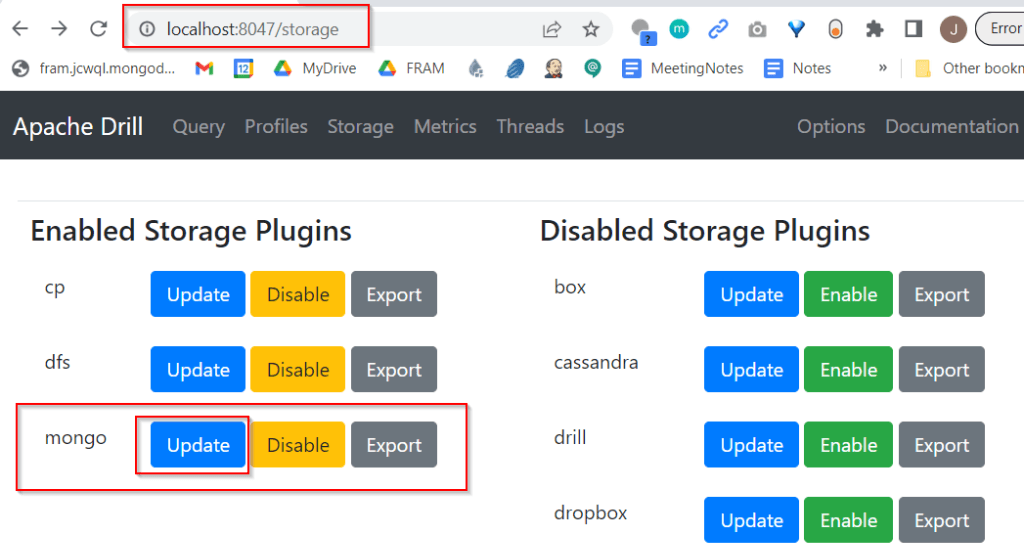
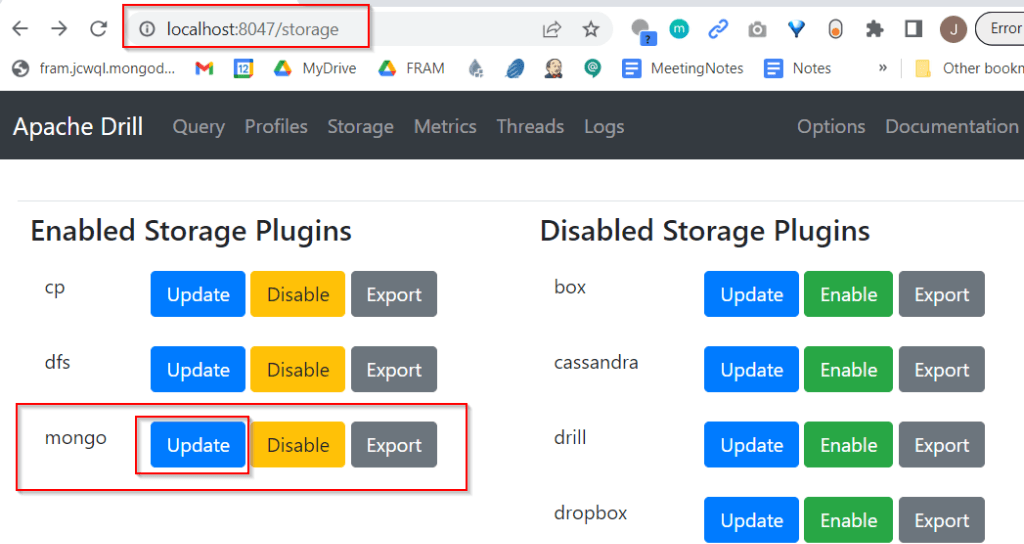
Find the mongo plugin under "Disabled Storage Plugins", click Enable, and then Update.
Paste in your connection string:
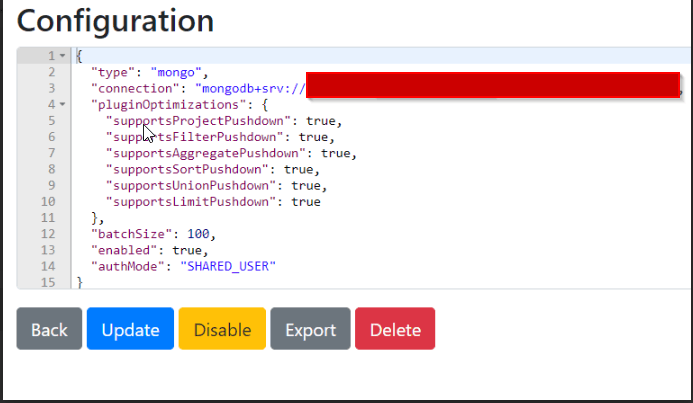
5. Running Queries
With the connection configured, you can now query MongoDB using standard SQL!
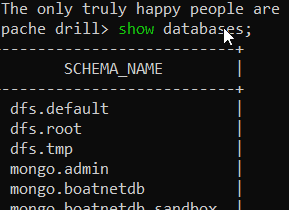
Go back to your terminal (or the query tab in the UI) and run:
SHOW DATABASES;
USE mongo;
SELECT * FROM my_collection LIMIT 5;
Beyond Drill: Trino and Superset
While Drill was fantastic for ad-hoc exploration on my local machine, we also looked at Trino (formerly PrestoSQL) for larger scale deployments. Paired with Apache Superset, it provides a stunning BI layer over all your data sources.
The ability to treat your entire infrastructure—files, NoSQL, Relational DBs—as one giant SQL-queryable lake is a game changer for data engineering.